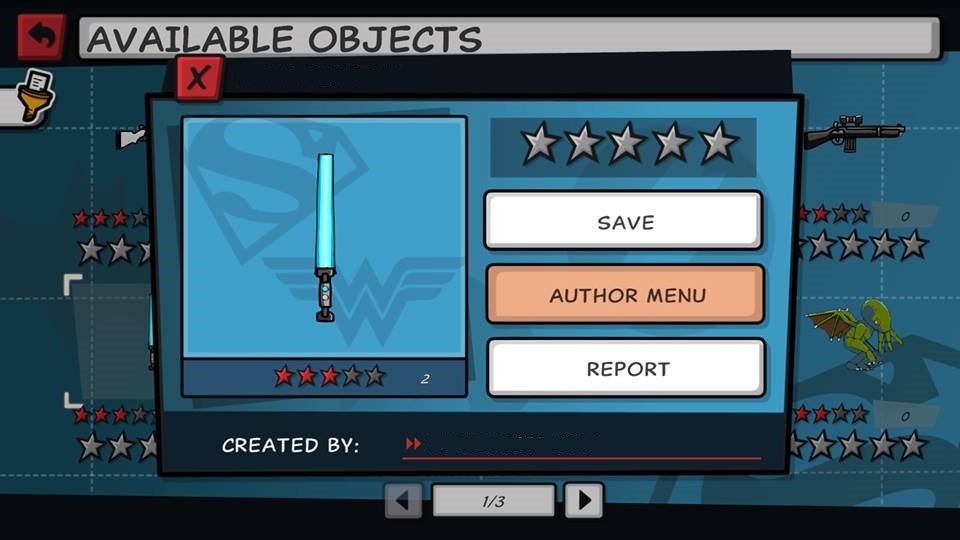
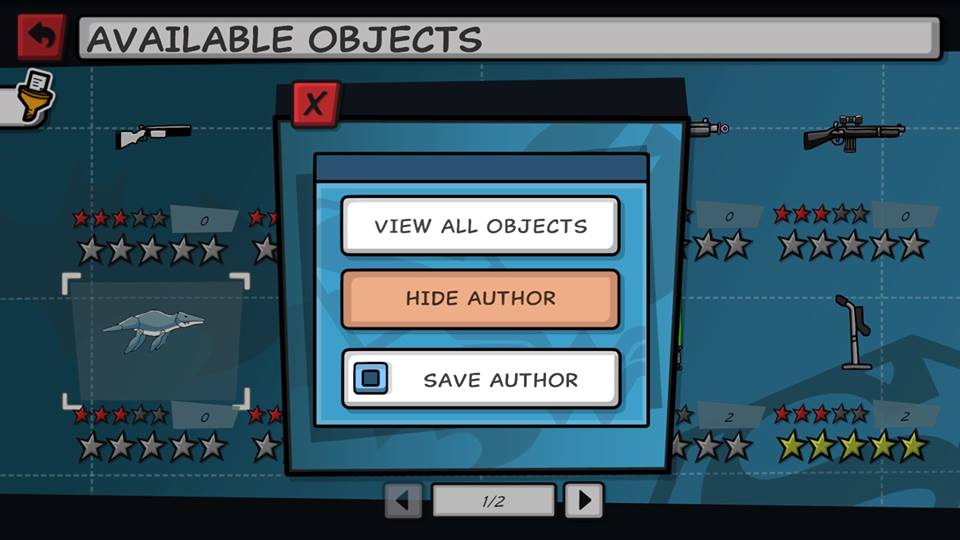
While in the Hero Creator, you can view, download, and rate other player's created items and heroes.
You can also file a complaint on items or heroes that break the game rules.
To file a complaint, select the object and click on ‘Report’.
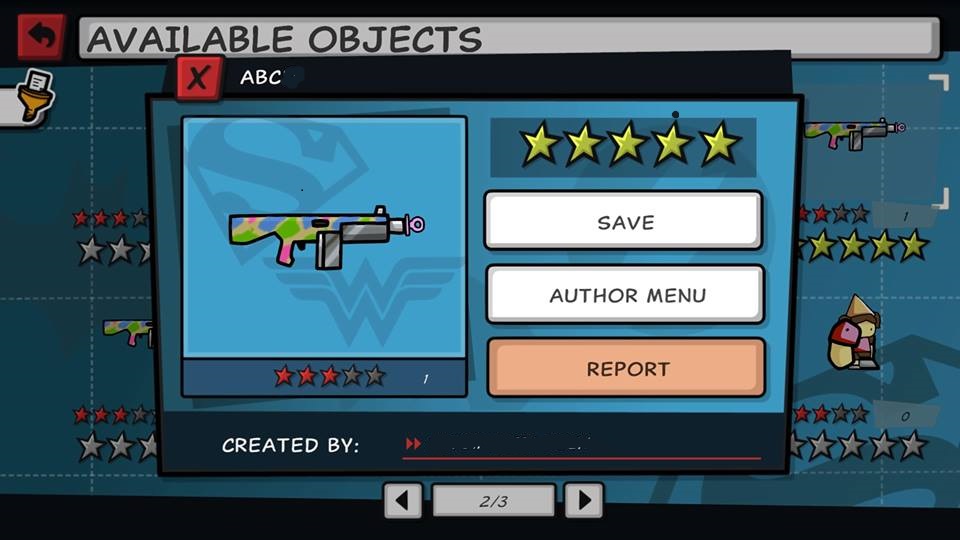
You’ll get a message letting you know that you are about to report the object for breaking the rules of the game.
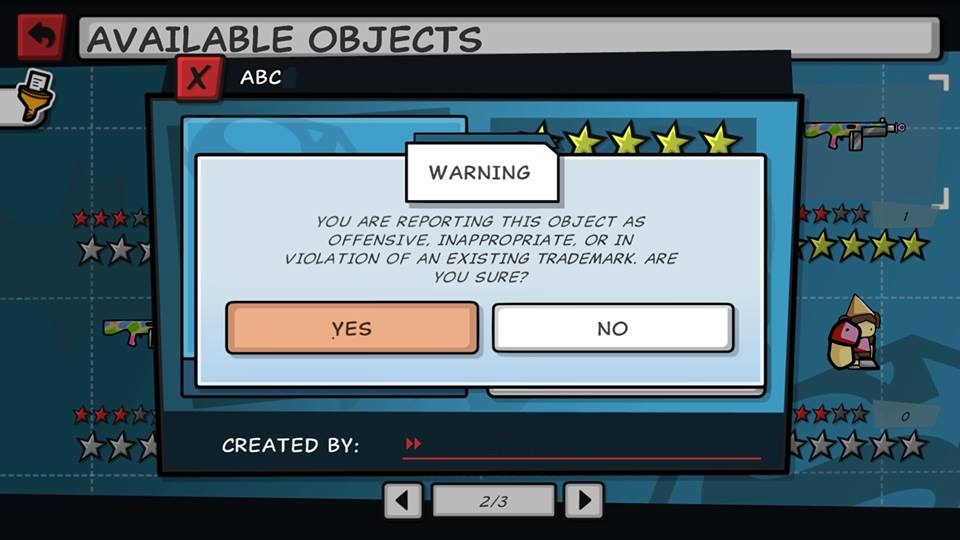
Once you submit the report, you will no longer be able to see the object in this store. An in-game moderation group will be looking into the report, and will remove all objects that break the rules of the game.
By selecting "Hide Author", you can also hide a specific creator from your search results entirely.